 VowToDo
Home
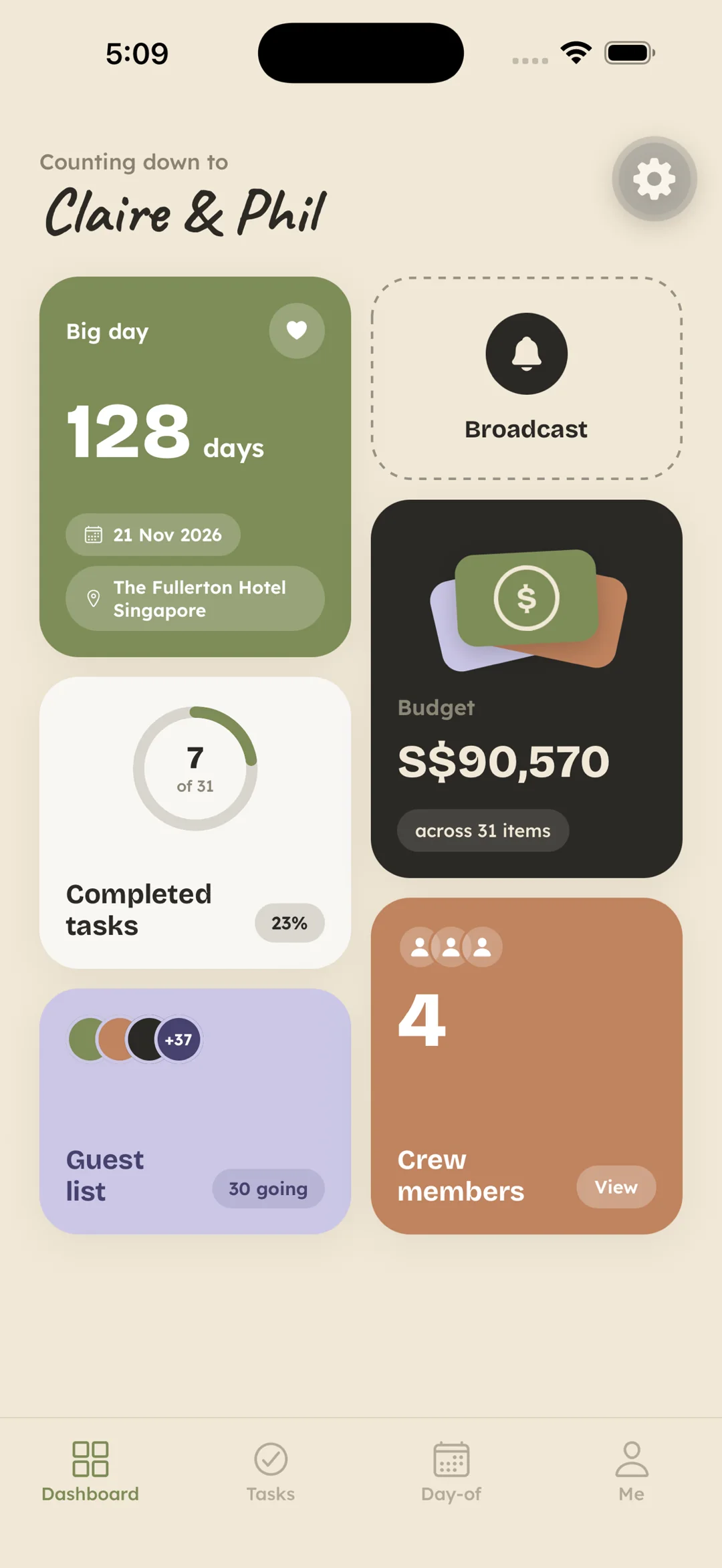
The wedding, at a glance.
Days to go. How much of the list is done. What the budget adds up to. How many guests are coming, and how many people are helping. Invite a partner, parents, or friends when you want them. The home screen keeps the count. A broadcast sits there for the thing everyone needs to hear once.
Checklist
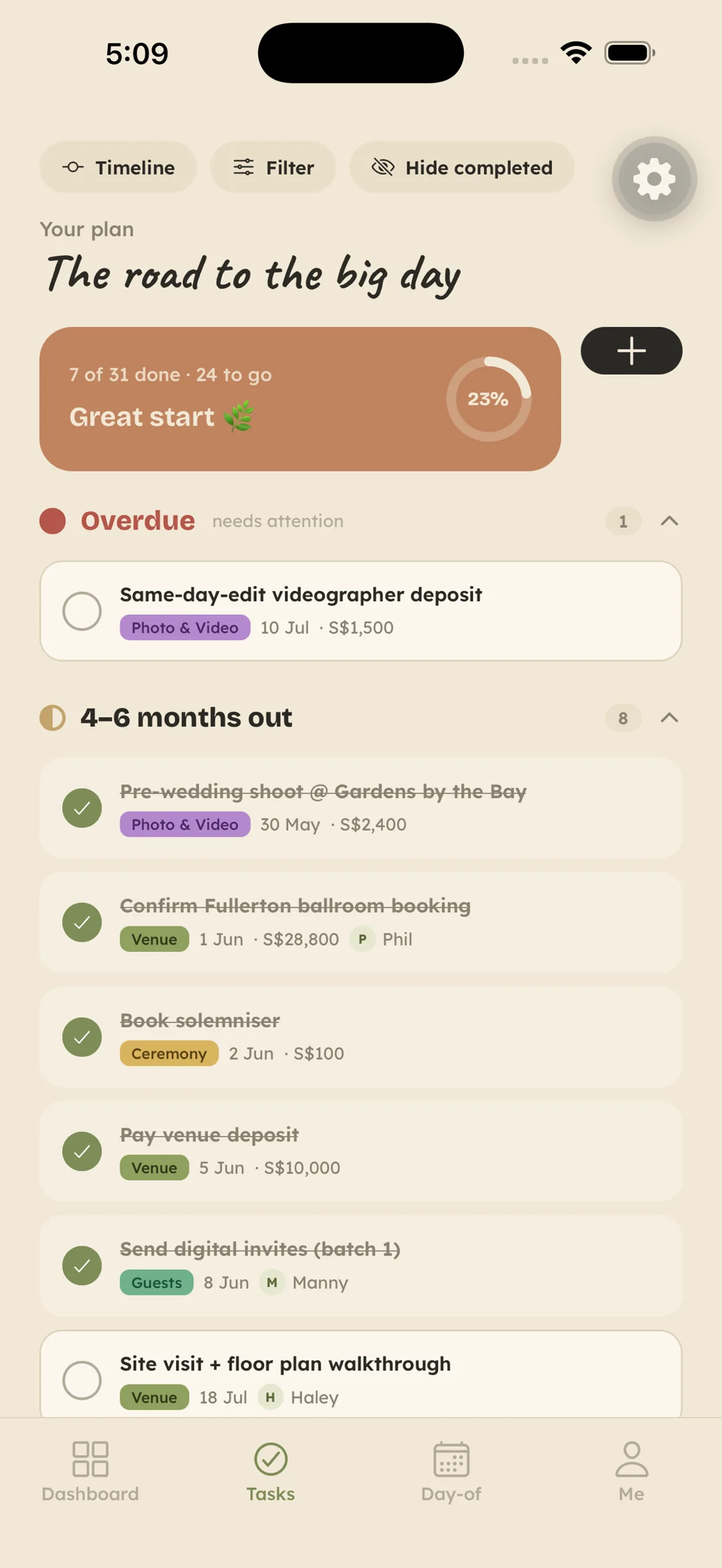
Grouped by when it is due.
Start from a timeline shaped by your venue and your traditions, or from a blank page. Tasks gather from a year out to the day itself — a date, a category, and a name. Each one can hold a cost and the person who owns it. The reminder goes to that person.
Budget
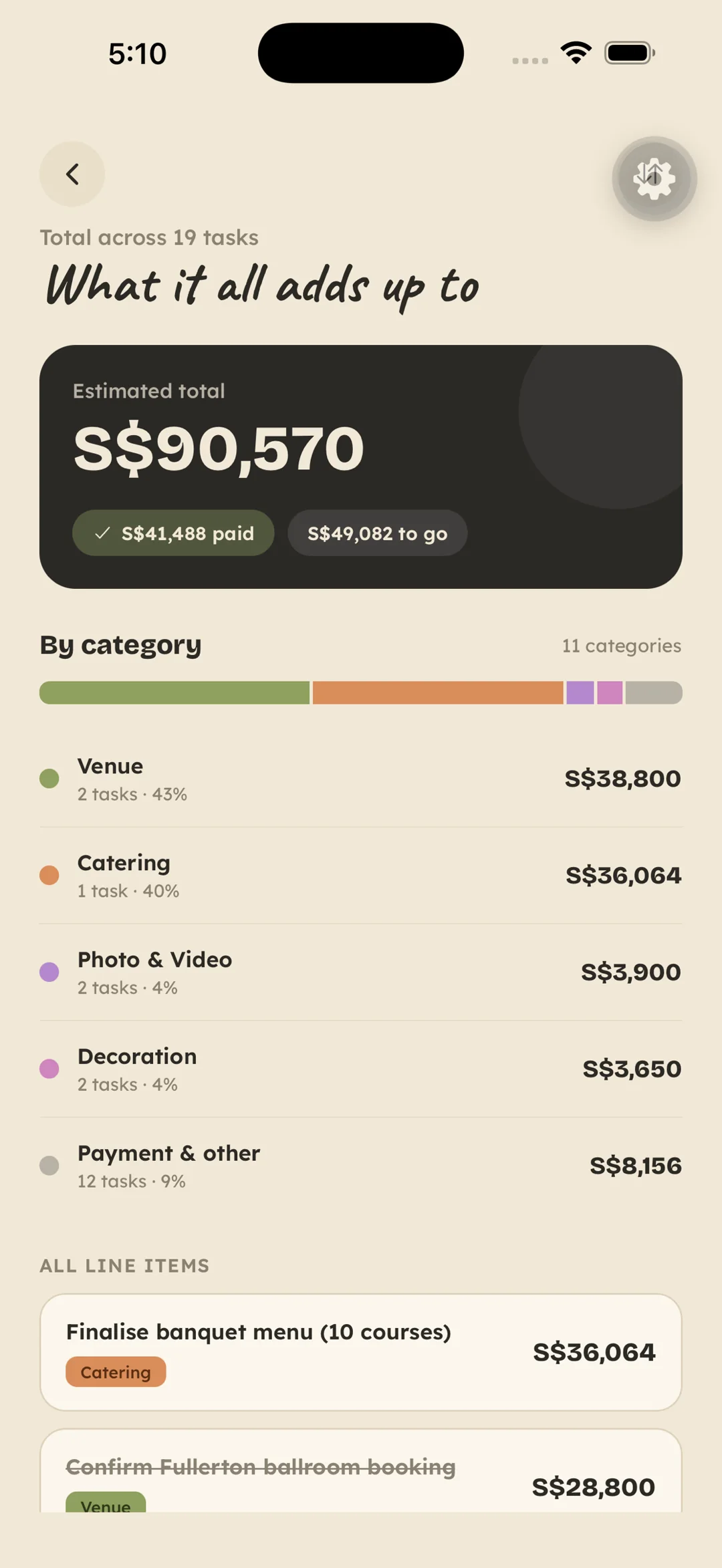
Planned, paid, and left.
S$90,570
Amounts live on the tasks, then roll into one total. You see what is paid and what is still to come, in whatever currency you spend. Couple-only, unless you choose otherwise.
Guests and RSVPs
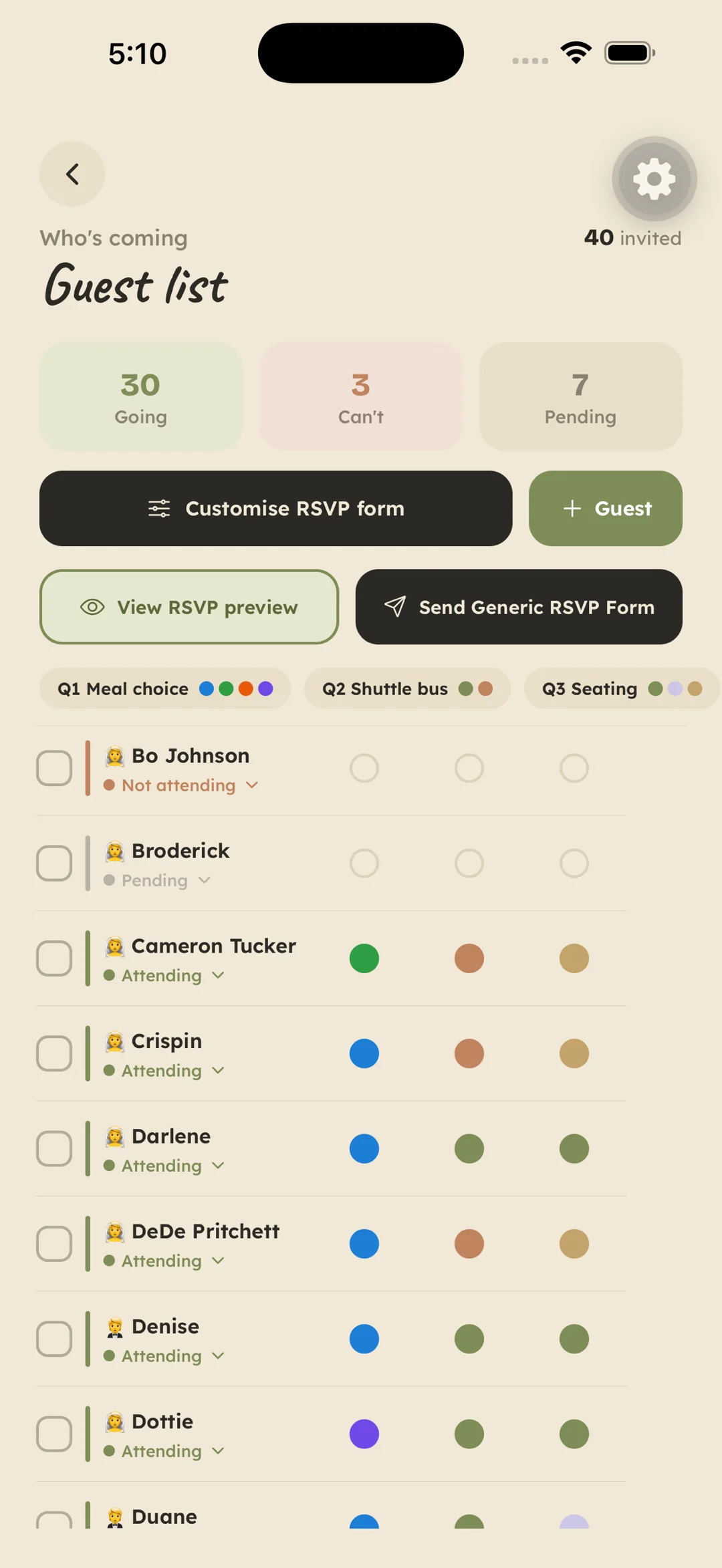
Replies that file themselves.
Share a link. Guests answer in a browser — no app, no login. Going, can't, and pending stay in one list, with the questions you wrote: a meal, a shuttle, a seat.
The seating chart is that list on a floor plan. Round tables or a long table, dragged to where they sit. It is roomiest on a laptop, which is why the same wedding is in the web app.
The day
A clock you can rearrange.
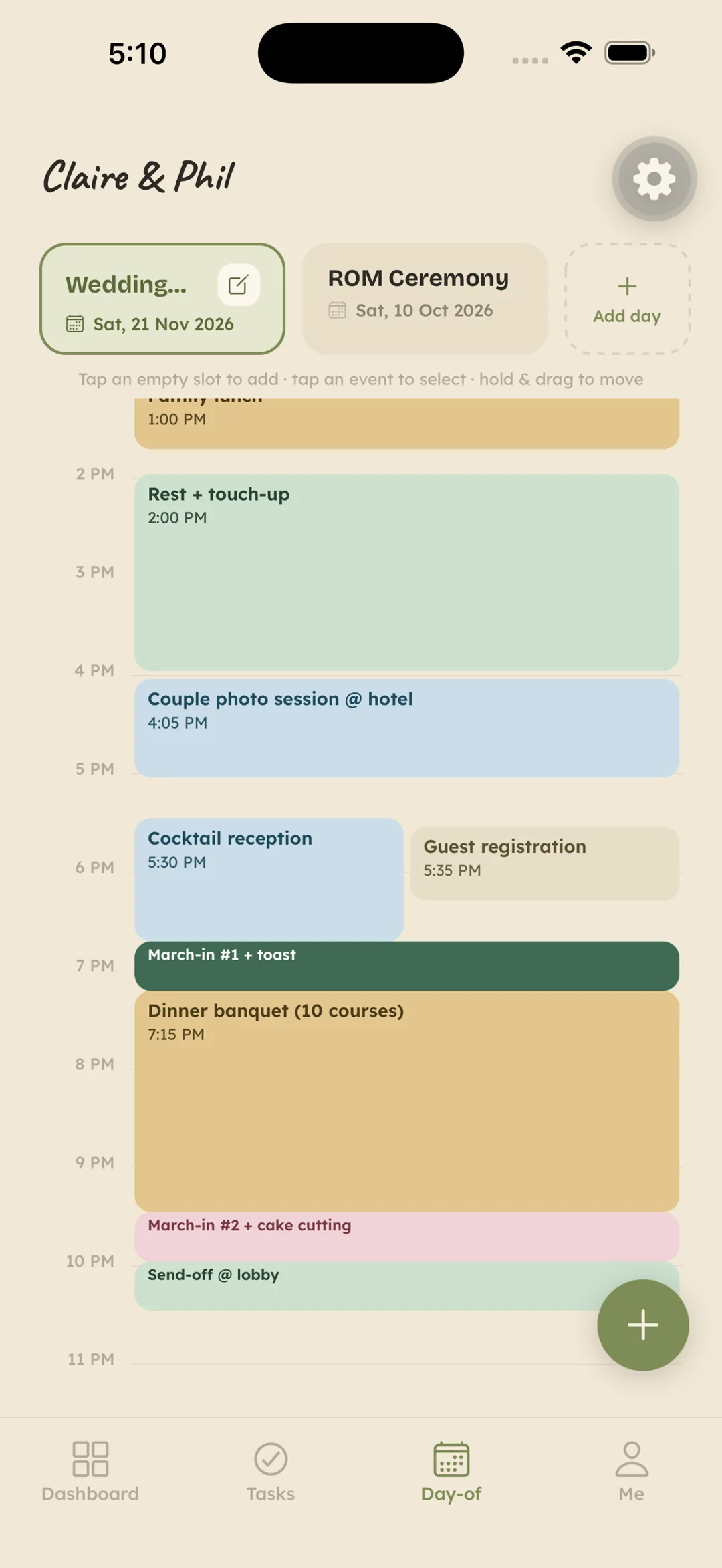
The run of the day sits on a clock. Tap an empty slot, or hold a block and drag it when the photos run long. The legal wedding and the celebration can be two different days. Everyone with the wedding sees the same times.
Together
Planning with people? Bring them in.
Perfect for just the two of you — and ready the moment family and friends want to help. Invite anyone as Crew. Hand them real tasks, send one announcement everyone sees, and keep the budget visible to the couple only.
Invite your people
Partner, parents, friends — invite as many as you like.
Hand out real tasks
Assign by name. They own it, get reminded, and tick it off.
Announce once
Venue moved? One post reaches everyone.
Roles that protect
Couple, Admins, Crew — helpers see their jobs, not your budget.
A spreadsheet can hold your plans. It can't hold your wedding.
Sheets are great at numbers. Weddings are numbers, people, deadlines and a thousand tiny decisions.
| Capability | Spreadsheets | Wedding apps | VowToDo |
|---|---|---|---|
| Everything in one place | You build every tab | A checklist, then links out | ✓Tasks to seating, built in |
| Working together | Everyone edits everything | Built around one planner | ✓Couple + helpers, with roles |
| Reminders | It never pings you | Promos more than progress | ✓Due dates nudge the right person |
| Collecting RSVPs | You chase every reply | Tied to their invites | ✓One link — answers file themselves |
| Seating chart | Cells and crossed fingers | Cramped on a small screen | ✓Drag guests onto seats |
| Phone + laptop | Pinch-zoom on mobile | App or website — pick one | ✓iPhone app + full web app |